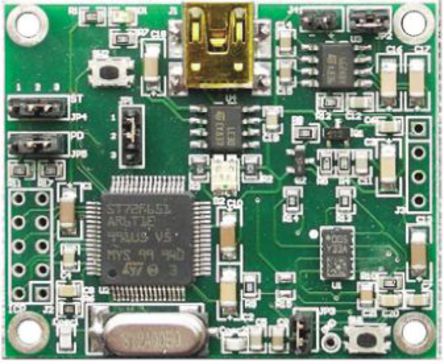
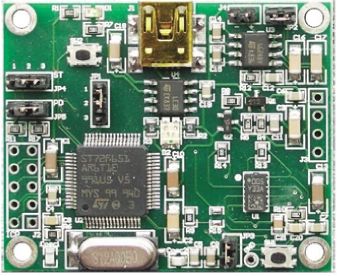
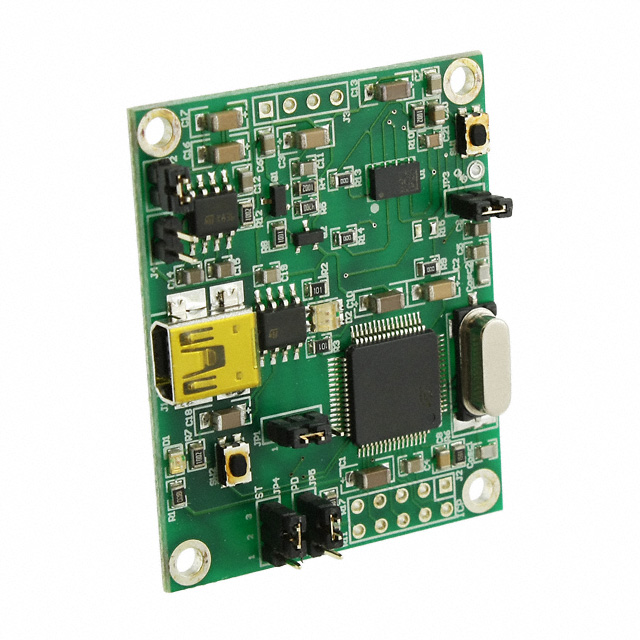
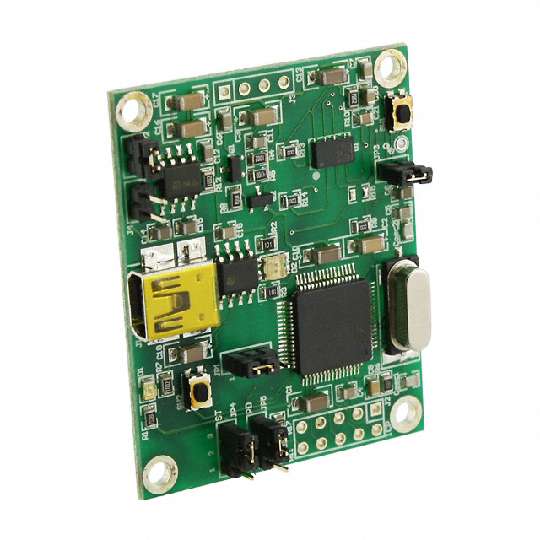
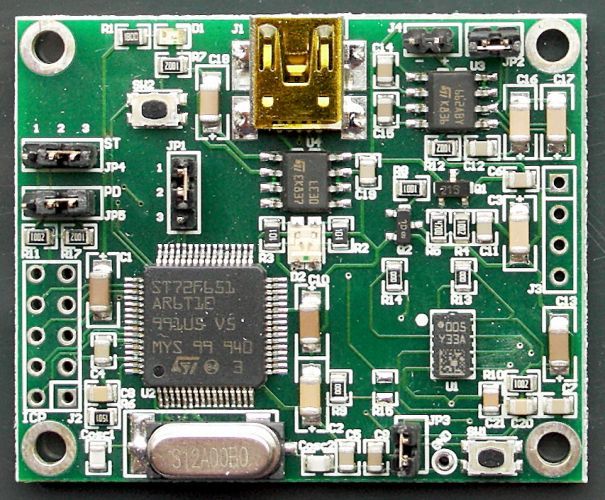
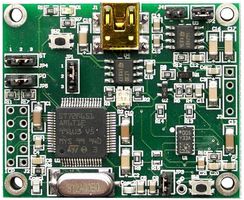
LY330ALH Analogue Output Single-Axis Gyroscope Demonstration BoardThe STEVAL-MKI071V1 is a demonstration board designed to provide the user with a complete, ready-to-use platform. The LY330ALH is a high performance ±300dps analogue output yaw-rate gyroscope.,In addition to the MEMS sensor, the demonstration board uses an ST7 microcontroller which functions as a bridge between the sensor and the PC. This makes it possible to download the graphical user interface GUI from the website or to use dedicated software routines for customized applications.,The STEVAL-MKI071V1 demonstration board has been designed for use in two different working modes: analogue and digital.,In analogue working mode AWM, the microcontroller on the board is disabled and the analog outputs of the device are available to the user on a dedicated connector. This is the default working mode when the power supply is applied either through the USB connector or through the supply connector.,In digital working mode DWM, the microcontroller on the board is enabled and allows the user to digitally acquire the output signals of the device, to see them on the PC through the dedicated GUI, and to control the control pins of the device.Two working modes: Analogue AWM, Digital DWM ### 陀螺仪,Analog Devices
LY330ALH Analogue Output Single-Axis Gyroscope Demonstration Board
The is a demonstration board designed to provide the user with a complete, ready-to-use platform. The LY330ALH is a high performance ±300dps analogue output yaw-rate gyroscope.,In addition to the MEMS sensor, the demonstration board uses an ST7 microcontroller which functions as a bridge between the sensor and the PC. This makes it possible to download the graphical user interface GUI from the website or to use dedicated software routines for customized applications.,The STEVAL-MKI071V1 demonstration board has been designed for use in two different working modes: analogue and digital.,In analogue working mode AWM, the microcontroller on the board is disabled and the analog outputs of the device are available to the user on a dedicated connector. This is the default working mode when the power supply is applied either through the USB connector or through the supply connector.,In digital working mode DWM, the microcontroller on the board is enabled and allows the user to digitally acquire the output signals of the device, to see them on the PC through the dedicated GUI, and to control the control pins of the device.
Two working modes: Analogue AWM, Digital DWM